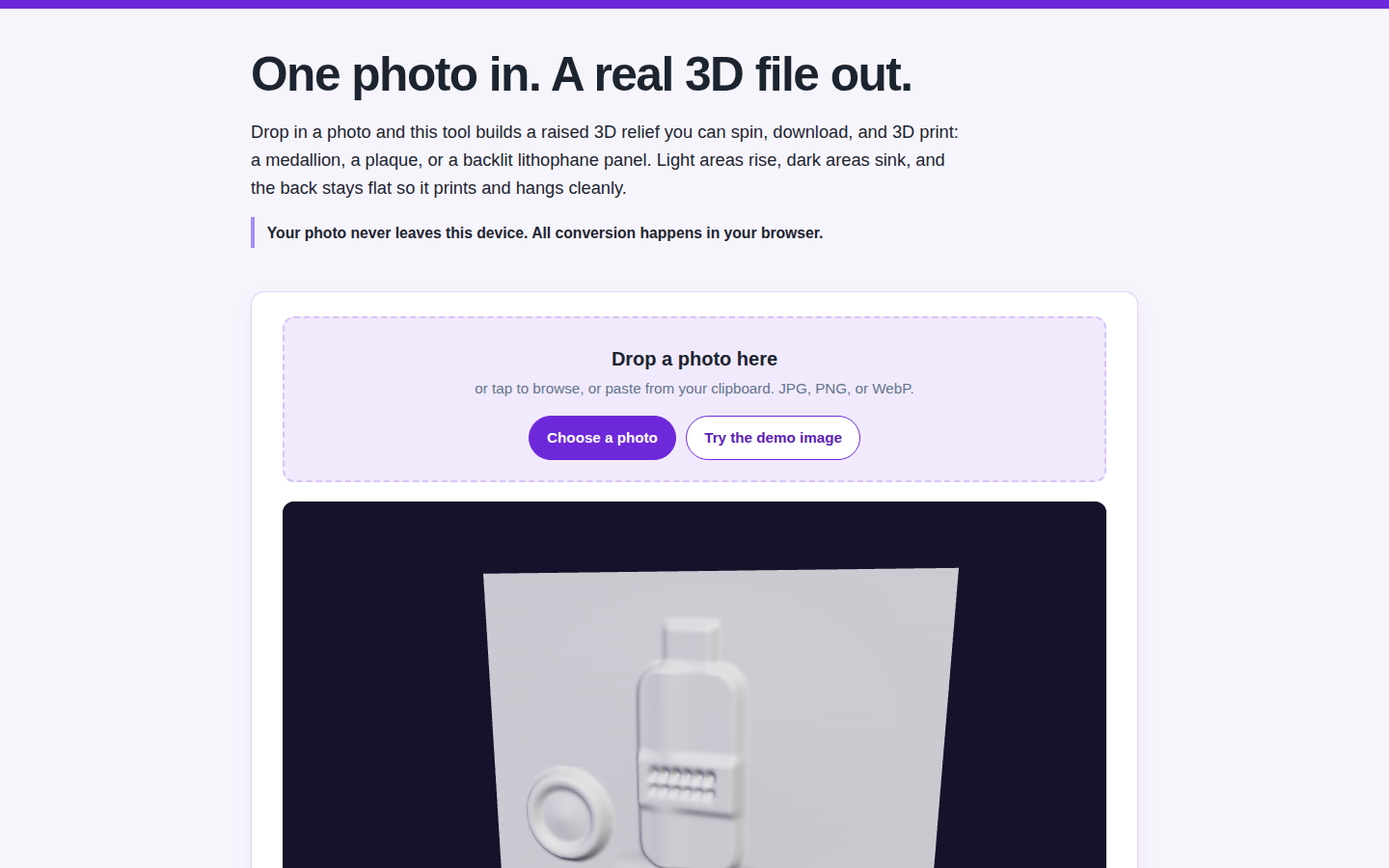
A single photo is usually a dead end for 3D. Our free 2D to 3D Photo Converter treats it as a height map instead: bright areas rise, dark areas sink, and the result is a relief you can export as a GLB with the photo texture embedded, or as a binary STL ready for a 3D printer. The whole conversion runs in your browser. Your photo never leaves your device.
Two modes cover most jobs. Relief mode builds a raised panel on a flat back, 2.5 millimeters of base plus up to 6 millimeters of depth by default, the format for plaques, signs and product medallions. Lithophane mode builds a thin panel, 0.8 to 3 millimeters, where dark areas print thicker and bright areas thinner, so the photo appears when light shines through it. Three detail grids, 96, 160 and 224, trade smoothness against file size; the demo photo at the 96 grid builds a mesh of 77,920 triangles.
How to convert your first photo
- Drop in a photo, or press Try the demo image to see the whole flow first.
- Pick Relief for a raised panel or Lithophane for a backlit one.
- Set the detail grid and thickness. More depth reads better on faces and logos.
- Export the GLB for screens or the STL for printing. Previews are always free.
One honest limit, printed on the tool itself: a relief from a single photo is an artistic interpretation from brightness, not a measured 3D scan, and the back stays flat. Stores weighing real product assets should read our 3D models on product pages survey and the seller phone-scan apps comparison, and Shopify's own guide to adding 3D models covers what product pages accept. Exports are gated fairly: two free exports a day on your connection, then an email unlocks unlimited exports for the day. The same photo-to-3D idea spins too: the Turntable GIF Maker at Photo3DTools makes a rotating GIF from up to 24 photos. Start with the demo: open the converter.